


Why Do So Many People Still Keep Old Phones in a Drawer?

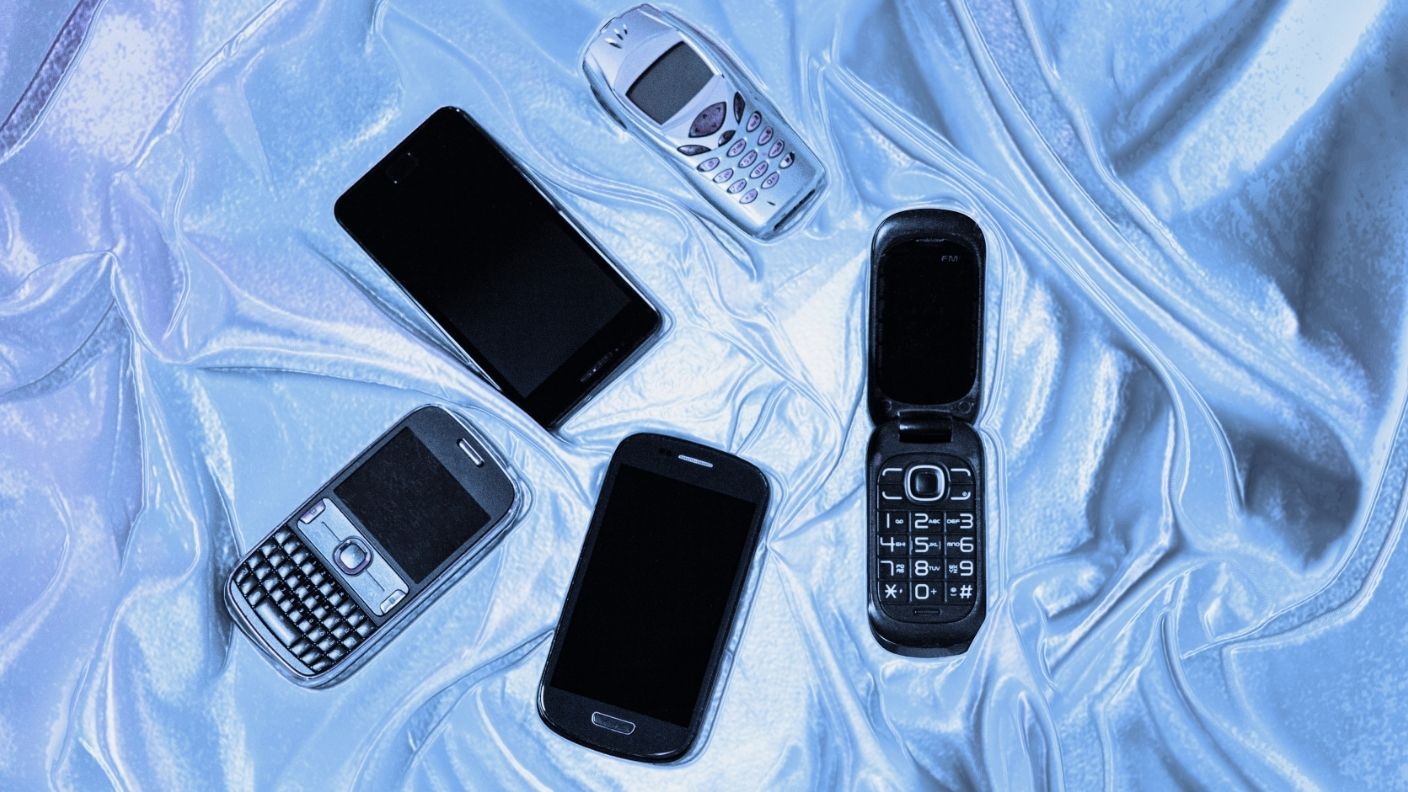

Open a junk drawer in almost any home, and there’s a good chance you’ll find one. Sometimes it’s a cracked smartphone from a few years ago, sometimes a sleek model that still works perfectly, and occasionally even an old flip phone from another era.
Most of these devices haven’t been turned on in ages, yet they somehow never make it to the recycling bin. The reasons people hang on to them turn out to be a mix of practical worries, emotional ties, and plain old procrastination.
Worries About Personal Data
One of the biggest reasons people hold on to old phones is fear about what’s stored inside. Photos, messages, emails, banking apps, and saved passwords can make a device feel risky to hand over.
Many people aren’t sure whether resetting a phone truly erases everything. Keeping it in a drawer can feel safer than taking a chance that someone else might access personal information.
Sentimental Photos and Messages
Old phones often hold memories. Some contain photos, voicemails, or text conversations that never got backed up or transferred to a new device.
For many people, those files feel irreplaceable. Even if they rarely look at them, getting rid of the phone can feel like throwing away a piece of their past.
Keeping a Backup Just in Case
Plenty of people hold on to an old phone as a spare. If their current phone breaks, gets lost, or needs repairs, they like knowing they have something to fall back on.
In reality, many backup phones end up outdated, with dead batteries or software that no longer gets updates. Still, the idea of having a safety net is hard to give up.
Planning to Sell It Someday
Many people intend to sell or trade in their old phone eventually. They figure it still has some value and plan to list it online or take it to a store when they get around to it.
The problem is that time keeps passing. As newer models come out, older phones lose value, and the moment to cash in quietly slips away.
Not Knowing How to Recycle It
Phones can’t simply go in household trash or regular recycling bins, since they contain batteries and electronic components. Many people aren’t sure where to take them.
Without a clear, convenient option, the phone ends up back in the drawer. The task gets pushed to “later” and often forgotten.
The Hassle of Resetting
Preparing a phone for recycling or resale takes a few steps. You need to back up data, sign out of accounts, turn off tracking features, and perform a factory reset.
If someone has forgotten a password or can’t charge the device, the process can feel like a chore. Leaving it in a drawer feels easier in the moment.
It Adds Up to a Global Problem
Old electronics contribute to a growing pile of electronic waste around the world. A United Nations report found that about 62 million metric tons of e-waste were generated in 2022, with less than a quarter documented as properly collected and recycled.
Phones contain valuable materials like gold, silver, copper, and cobalt. When they sit unused, those resources aren’t recovered, and more mining is needed to make new devices.
How to Prepare an Old Phone
Start by backing up any photos, contacts, or files you want to keep, either to a computer or cloud storage. Then sign out of all accounts and turn off features like Find My iPhone or Google’s device protection.
Remove the SIM card and any memory card, then perform a factory reset to erase your data. Once that’s done, the phone is ready for its next step.
Where to Take It
Many phone manufacturers and carriers offer trade-in or recycling programs, sometimes with credit toward a new device. Some electronics retailers also have drop-off bins for old phones and batteries.
Look for certified e-waste recyclers in your area, which follow safety and data-protection standards. If the phone still works, donating it to a charity or community program can give it a second life.
RELATED ARTICLE: Want to Save Money on Groceries? This Simple Kitchen Habit May Help Cut Your Bill
